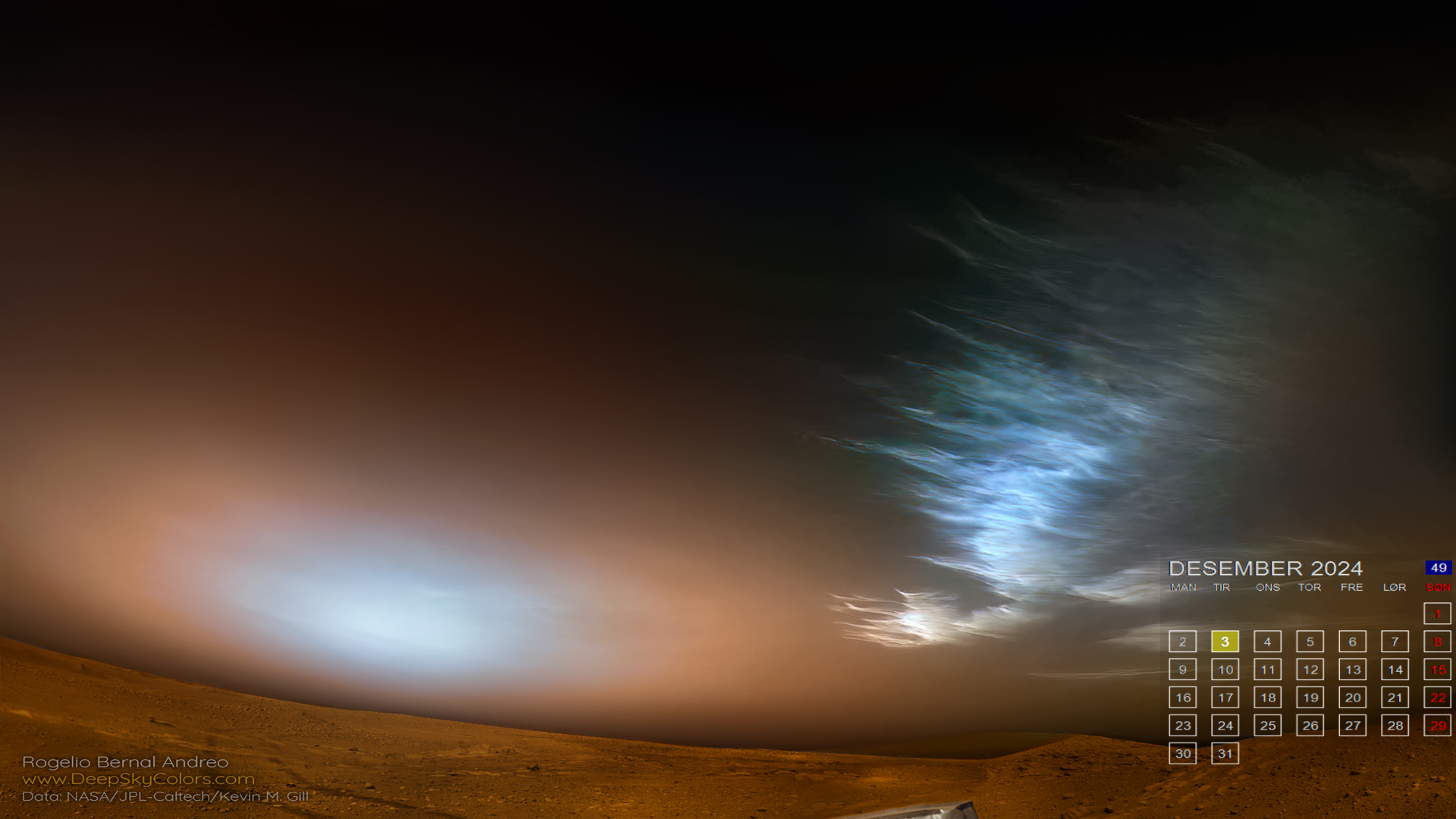
Setup
- Download DeskCal_v1.5.zip.
- Install .NET 8.0 if it is not already installed.
- Get a free NASA API key.
- Unzip the files to a folder, for example
C:\DeskCal. - Edit
DeskCal.dll.configand add your NASA API key and folder path.
Config Example
<?xml version="1.0" encoding="utf-8" ?>
<configuration>
  <appSettings>
    <add key="NASA-API_KEY" value="YOUR-NASA-API-CODE-GOES-HERE" />
    <add key="NASA-API_URL" value="https://api.nasa.gov/planetary/apod" />
    <add key="folderPath" value="C:\DeskCal" />
    <add key="CultureInfo" value="nb-NO" />
    <add key="Transparency" value="10" />
    <add key="ReSizeX" value="390" />
    <add key="ReSizeY" value="350" />
    <add key="CalX" value="5" />
    <add key="CalY" value="55" />
    <add key="BgX" value="1920" />
    <add key="BgY" value="1080" />
    <add key="last-downloaded" value="" />
    <add key="downloaded-from" value="" />
  </appSettings>
</configuration>
Features
-
NASA APOD download
The app fetches NASA's image of the day and saves it locally. If the APOD is not an image, DeskCal falls back to Picsum.photos.
-
Calendar generation
DeskCal creates a calendar image for the current week number, month and year. Sundays are red, and the current date is highlighted.
-
Image merging
The background image and generated calendar are merged into one final wallpaper image.
-
Windows wallpaper update
The merged image is set as the system wallpaper using
SystemParametersInfofrom the Windows API.